Documentation · 05
Sections
Every section below can go on any page that supports sections. Most have a color scheme, top and bottom padding and an Edge setting. Edge draws a wavy line on the top or bottom of a colored band.
| Section | Use it for | Tips |
|---|---|---|
| Hero | The first screen | Style 1 is the editorial poster: a heading with a highlighted or italic tail, a framed photo, a starburst or ring stamp and floating stamp pills. Style 2 is a bento grid with a quick-add product card. Style 3 is a full-width photo with a ticker along the bottom. Put words in italics in the heading to get the accent. In Style 3, raise Overlay opacity for bright photos. |
| Ticker | A moving line of words | Separate items with commas. Shoppers can pause it, and it pauses itself when off screen. |
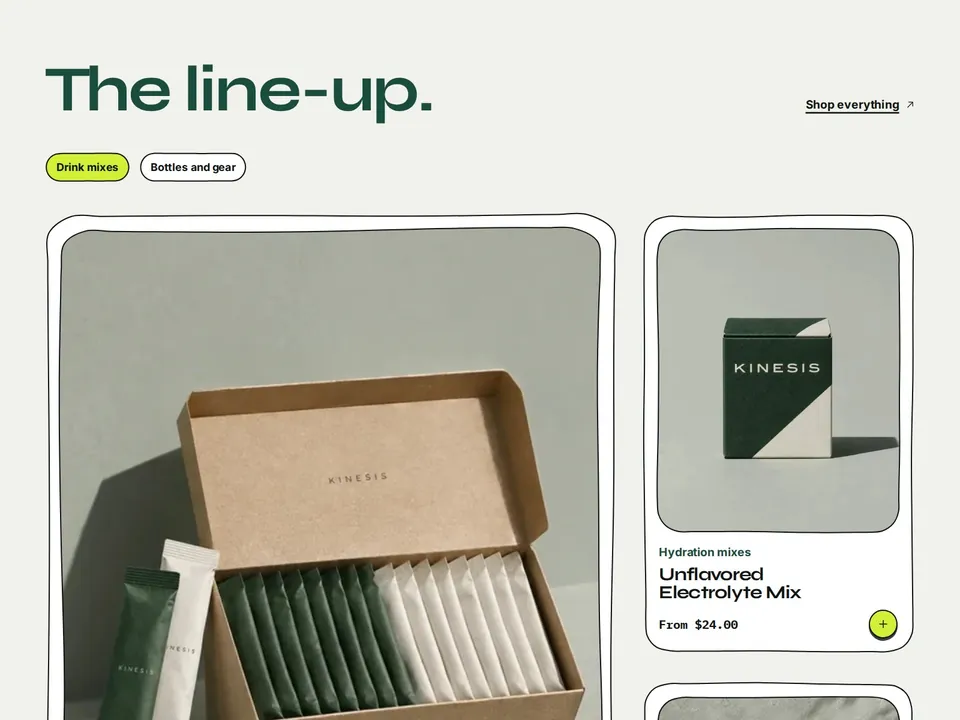
| Featured collection | Products from one or more collections | Add collection tabs to switch between collections without reloading. Choose the card style, columns and number of products for each section. |
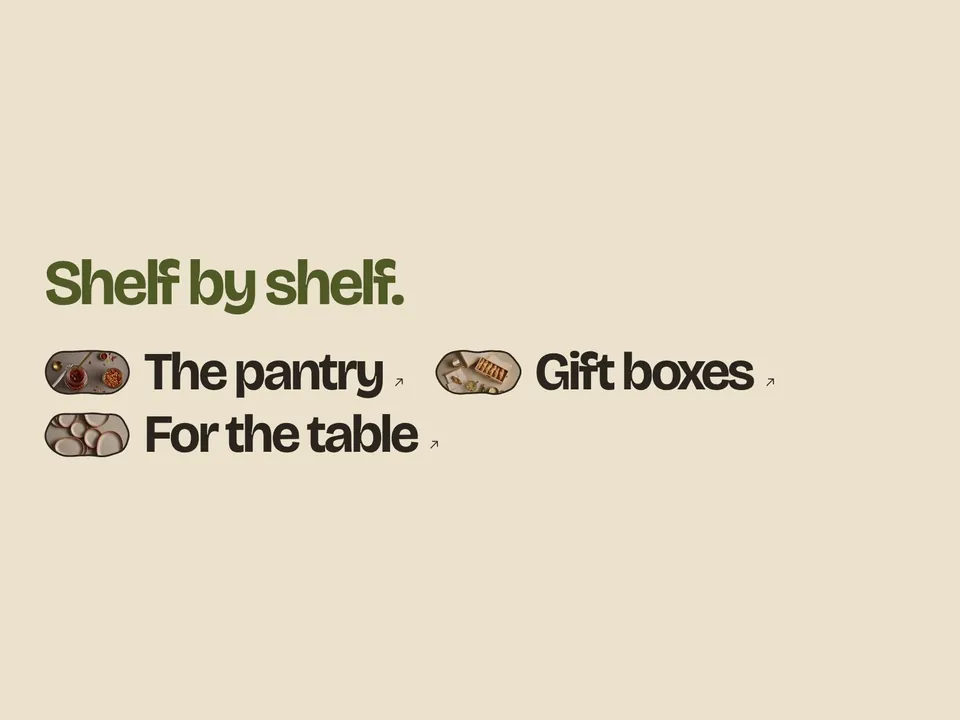
| Collection list | Shop by category | Bento tiles use colored tiles, Round photos use framed pictures, Inline words set large collection names with small pictures between them. |
| Product belt | A horizontal run of hand-picked products | Each item has its own frame shape and color. |
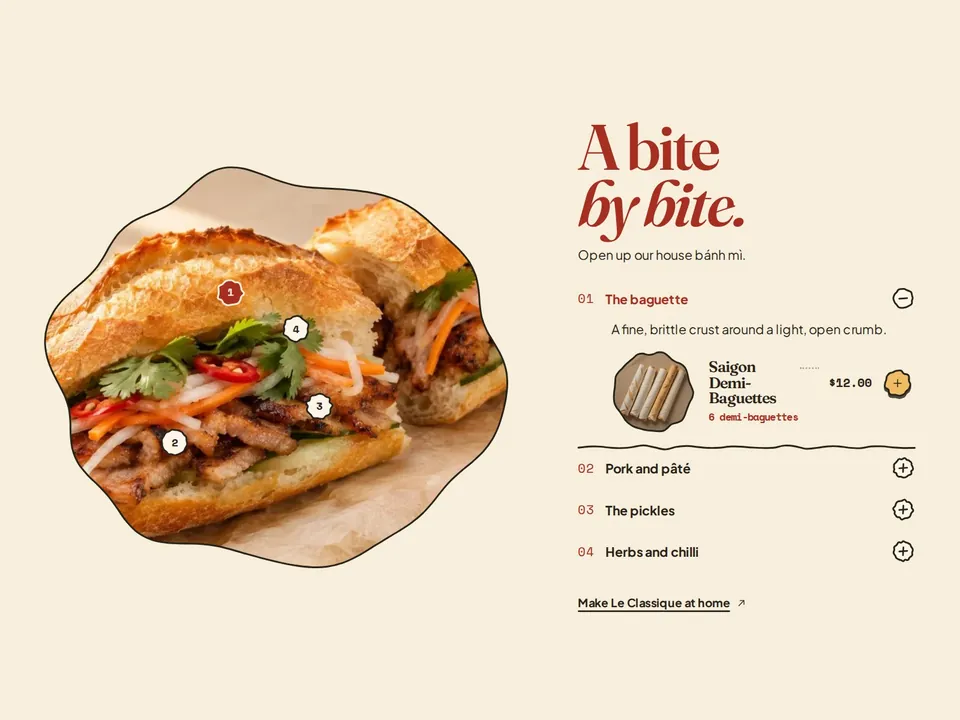
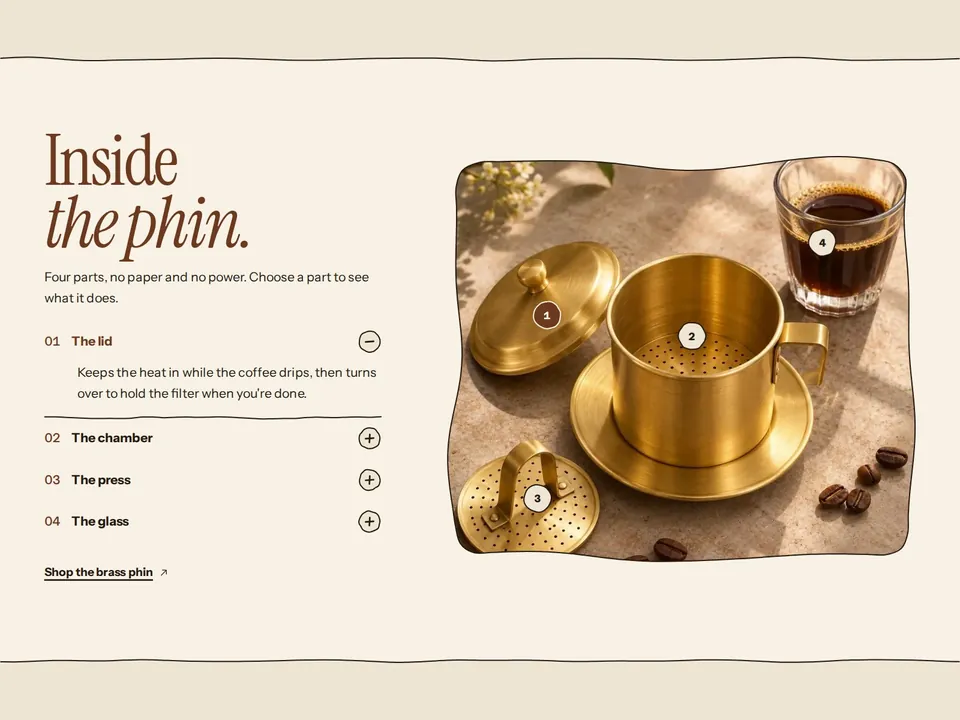
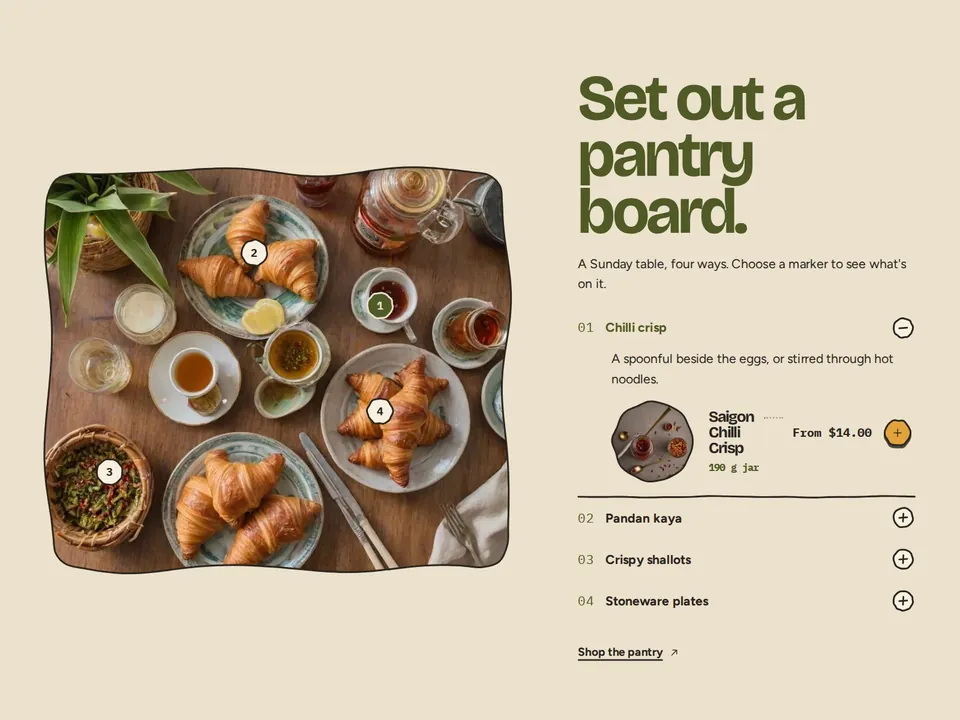
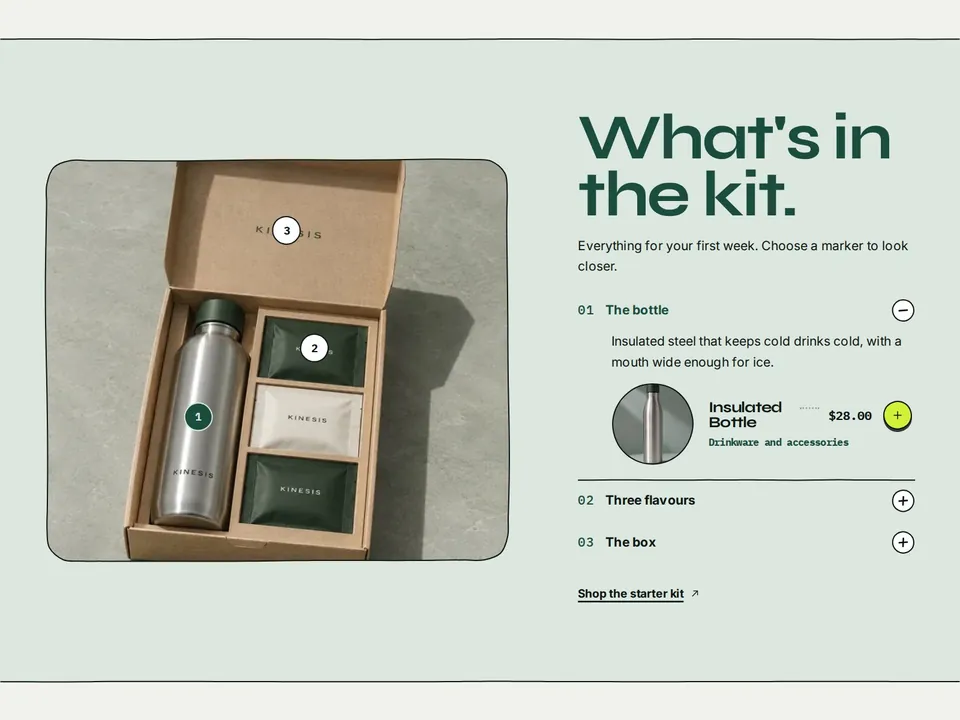
| Image hotspots | Explain a product part by part | Place each marker with the horizontal and vertical sliders. Link a product to show a mini card with quick add. The list next to the image works with a keyboard. |
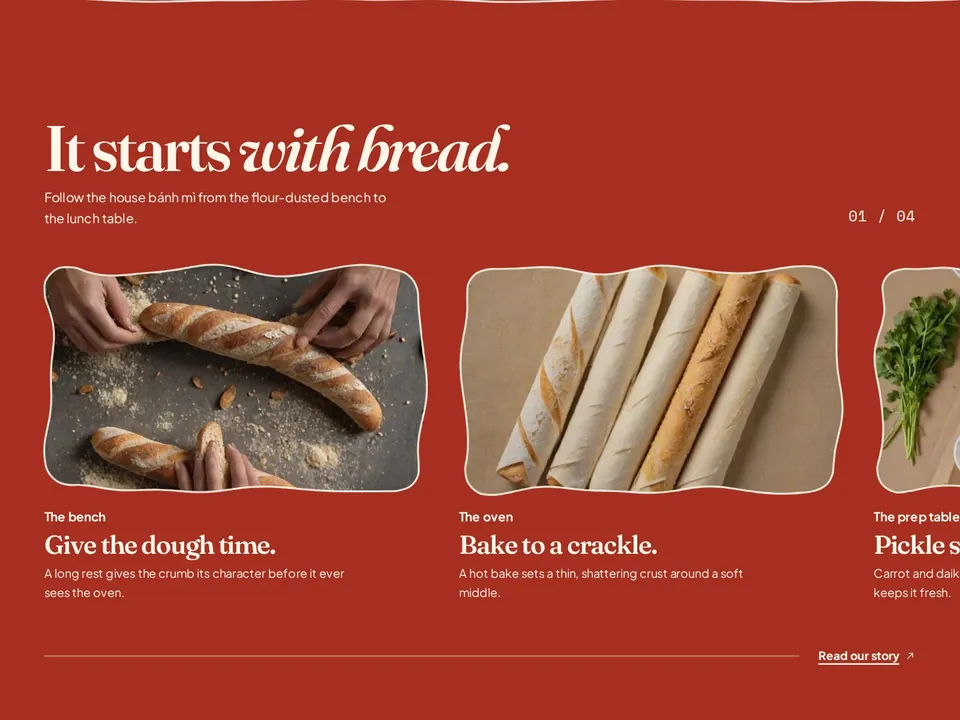
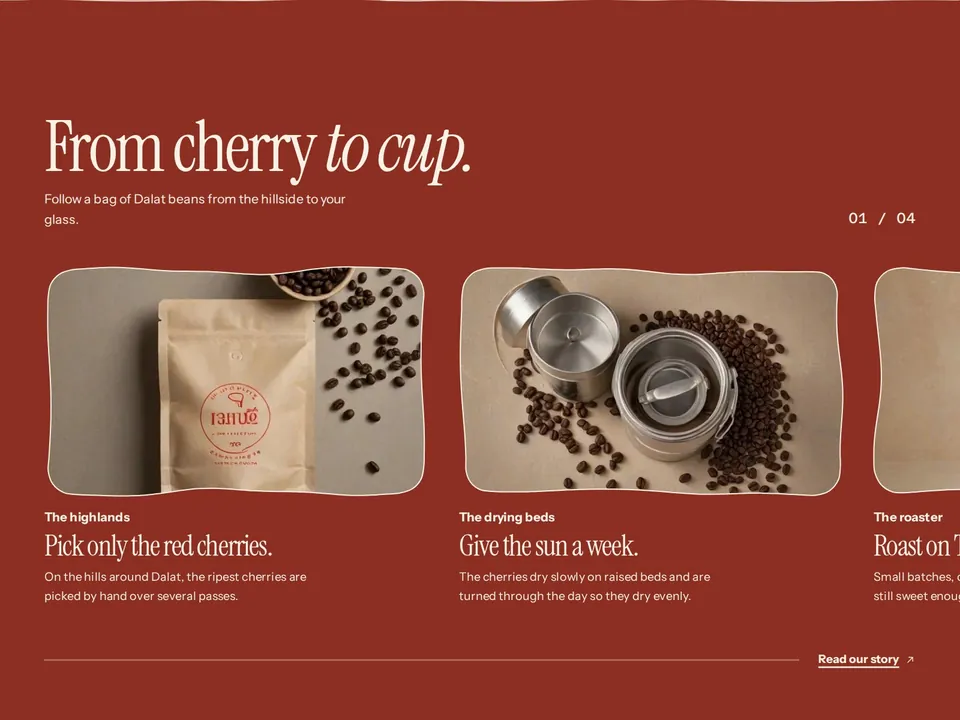
| Scrolling story | A process told in chapters | On large screens the section pins and the chapters slide past as shoppers scroll. On phones it becomes a swipeable row. |
| Schedule, Timeline, Stats | A day, a history, a few numbers | Use real numbers you can stand behind. |
| Reveal cards | A small glossary | Each card opens to show a picture and a link. |
| Feature list, Columns, Image with text | Ways to use a product, steps, a highlighted product | Image with text has three layouts and an optional second link. |
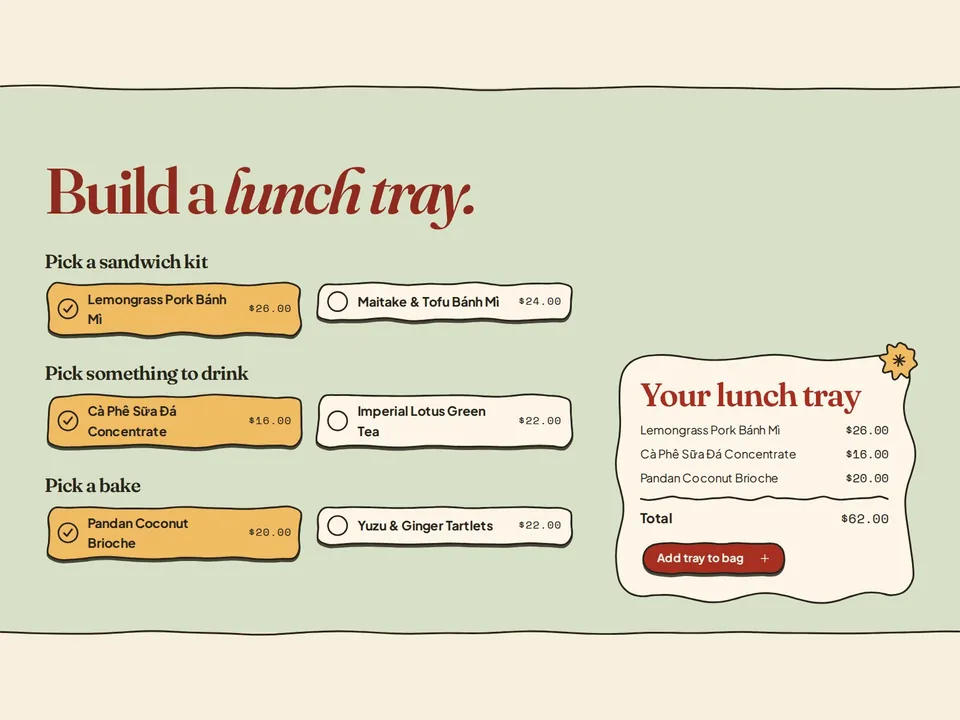
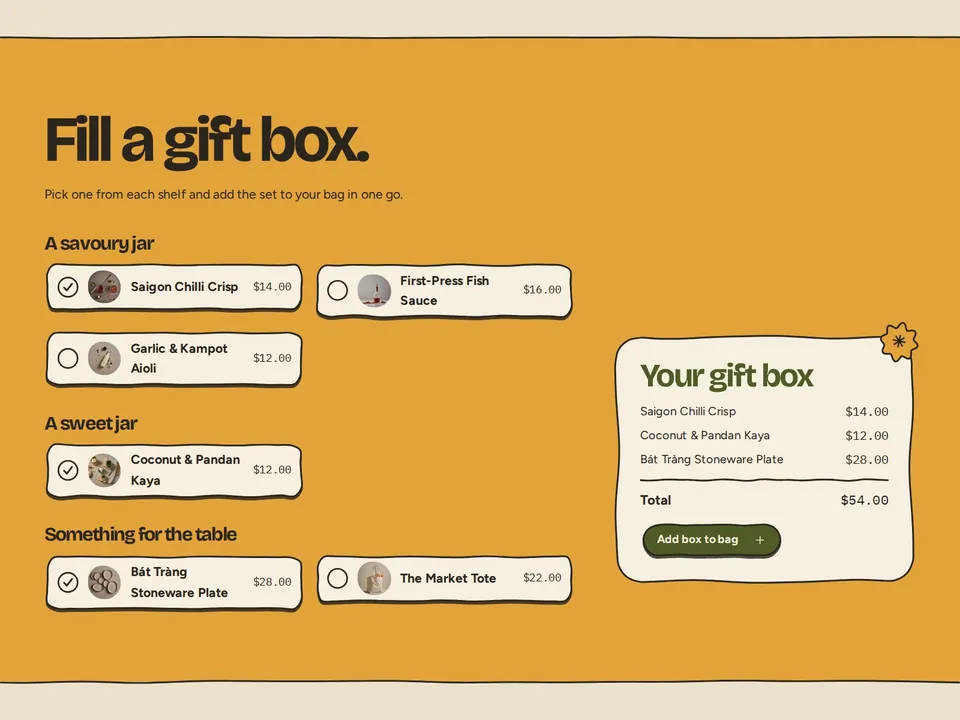
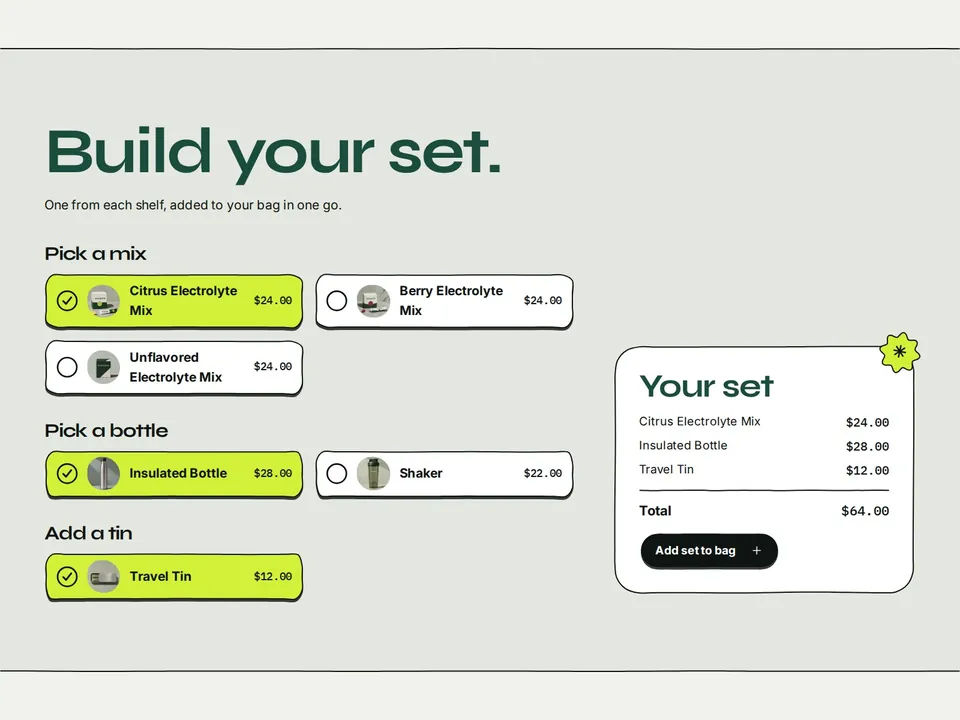
| Build a set | Let shoppers pick one product from each group and add them together | Each group is a list of products. The total adds up the chosen products. To discount a set, create an automatic discount in Shopify. |
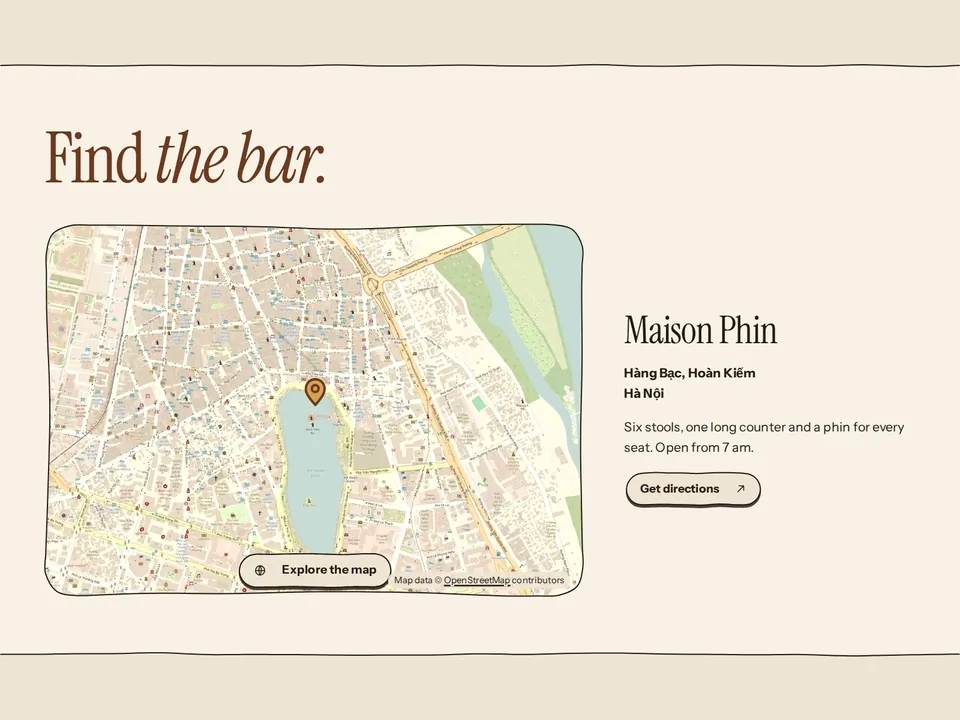
| Map | Where to find you | Choose OpenStreetMap (latitude and longitude) or Google Maps (address). The map stays a drawn picture until a shopper chooses Explore the map, so it doesn't slow the page down. For a seamless switch, upload a picture of the same area at the same zoom. |
| Testimonials | Customer words | Speech bubbles, a swipeable row, or one large quote with others beneath. Use real quotes. |
| Blog posts, FAQ, Letter, Illustration, Logo list, Slideshow, Video, Rich text, Newsletter, Contact form, Custom Liquid | Supporting content | Rich text accepts heading, text, big list, button, Custom Liquid and app blocks. |
Seen in the demo stores